


How to Remove Pages
Learn how to delete pages and comics in LlamaGen.ai
Learn how to delete pages and entire comic strips from your projects.
Deleting Comic Strips
If you have a single-page comic strip, you can delete it directly from the comic dashboard page:
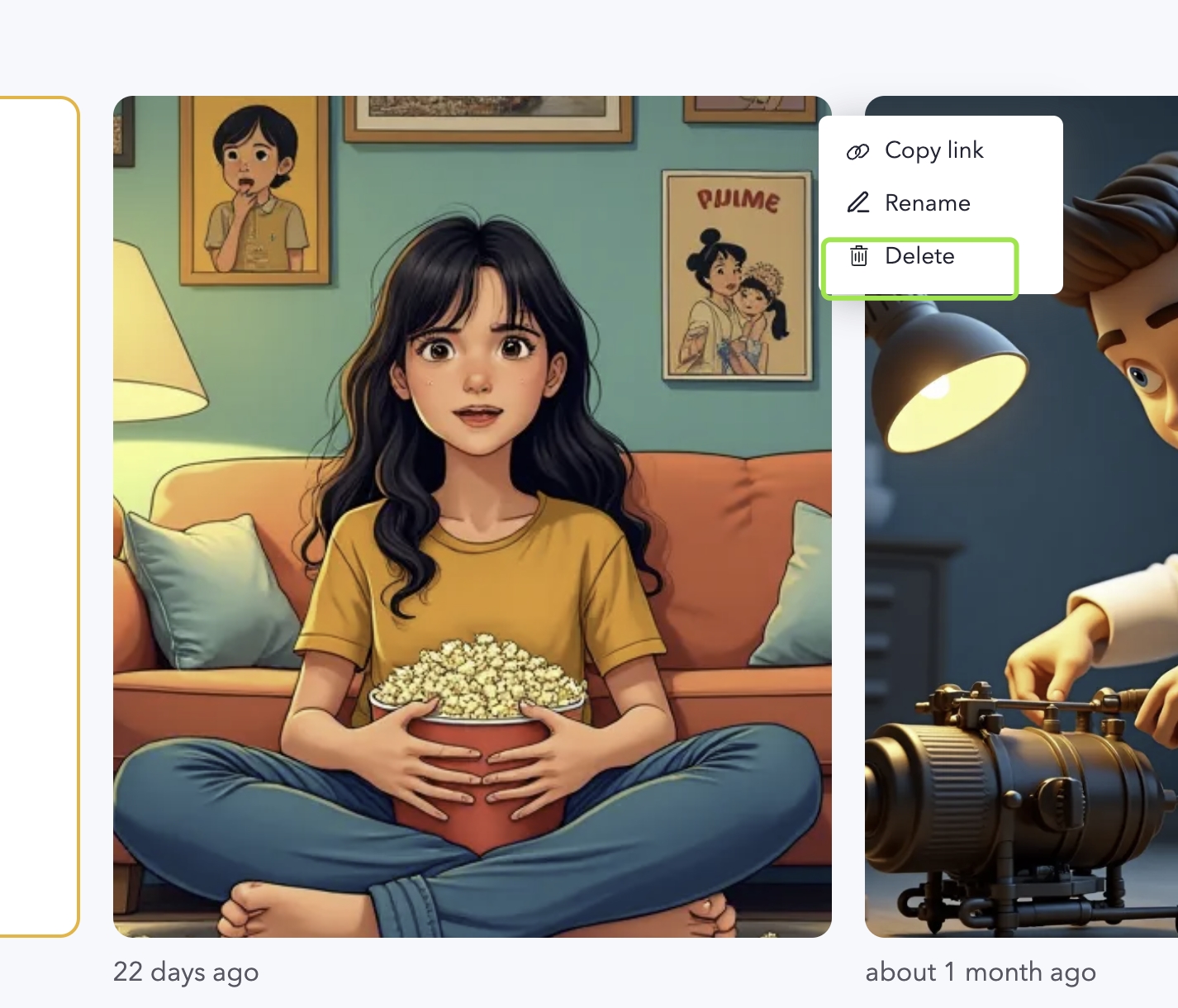
Deleting Individual Pages
You can remove specific pages using the delete button in the page editor:
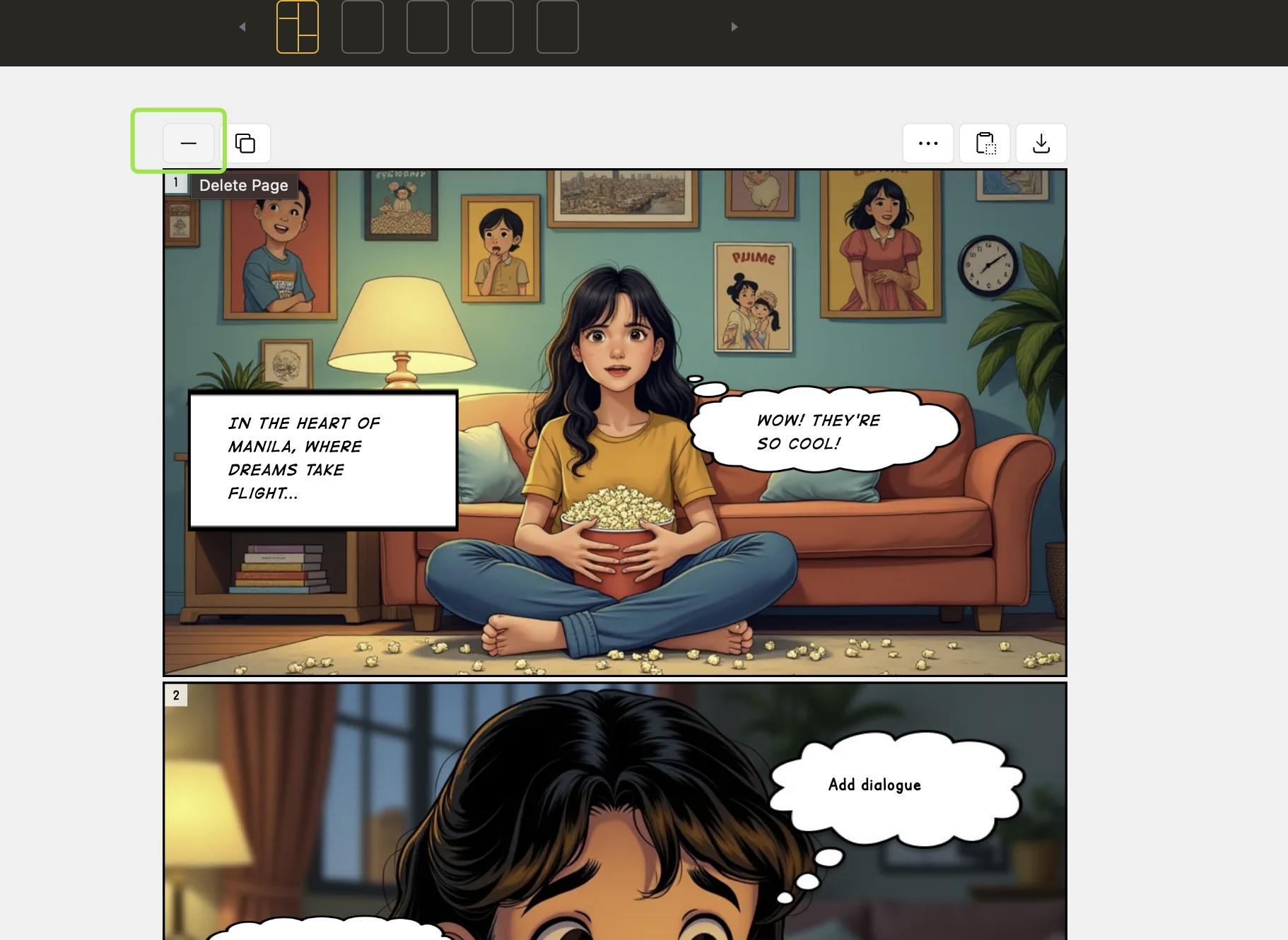
Page deletion is permanent and cannot be undone. Make sure to back up any content you want to keep before deleting.
Important Notes
- Deleting a page will remove all panels on that page
- If you're deleting the only page in a comic strip, consider deleting the entire comic strip instead
- Make sure to save any changes you want to keep on other pages before deleting
Consider exporting your comic before deleting pages or strips if you want to keep a backup of your work.
Need Help?
If you need additional guidance or encounter any issues while trying to delete pages, please contact our support team for assistance.
Was this article helpful?
Effective Prompt Writing for Comics
Learn how to write comic prompts that work with LlamaGen.AI's styles, characters, panels, dialogue, and editing tools.
One Comic Page, Two Workflows: Single Image vs Editable Panels
Learn why a LlamaGen comic page can be a single generated image with multiple visual frames, or a layout of independently generated editable panels. Compare 50, 200, and 600 credit examples.